Build a valid room first
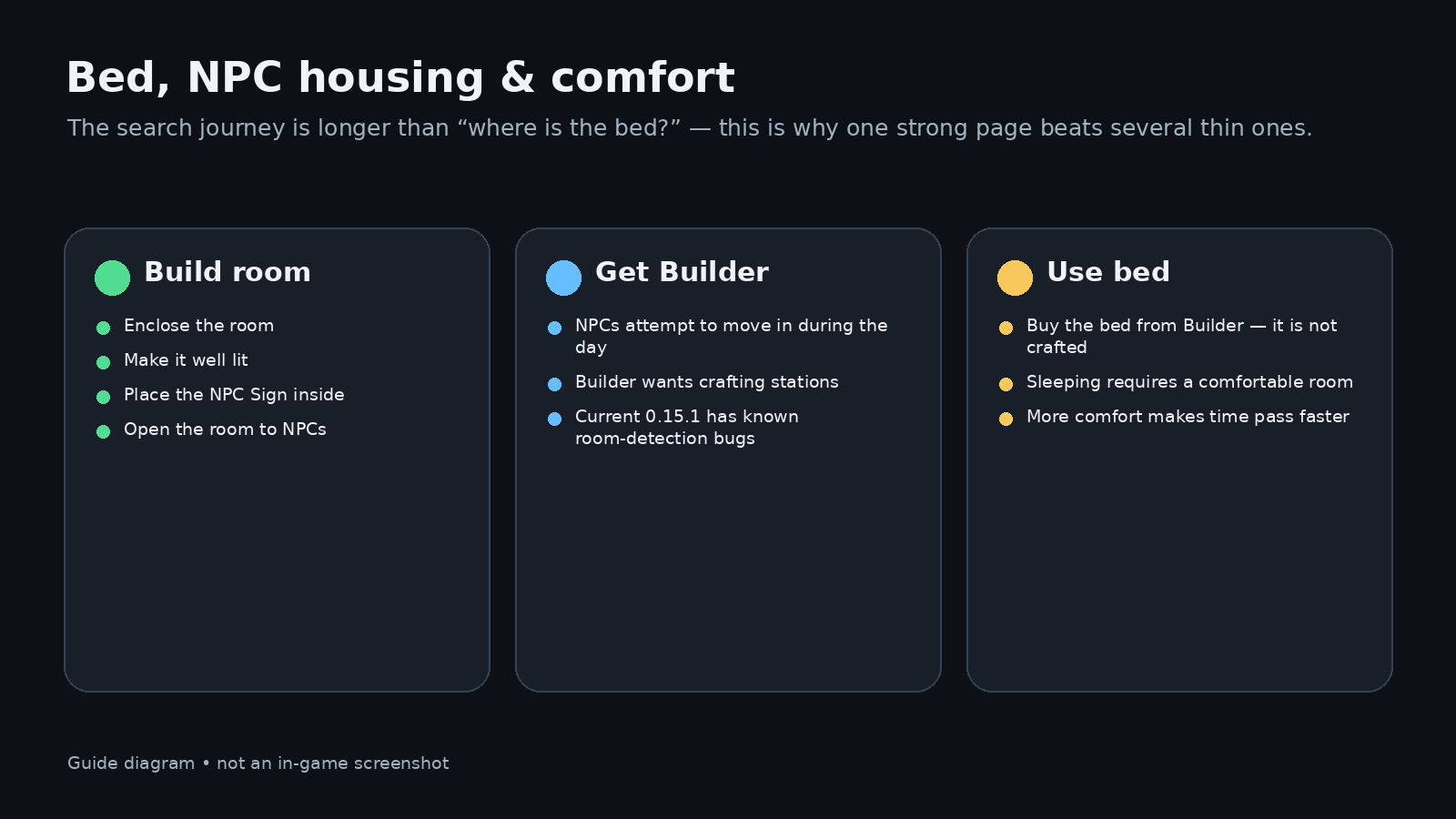
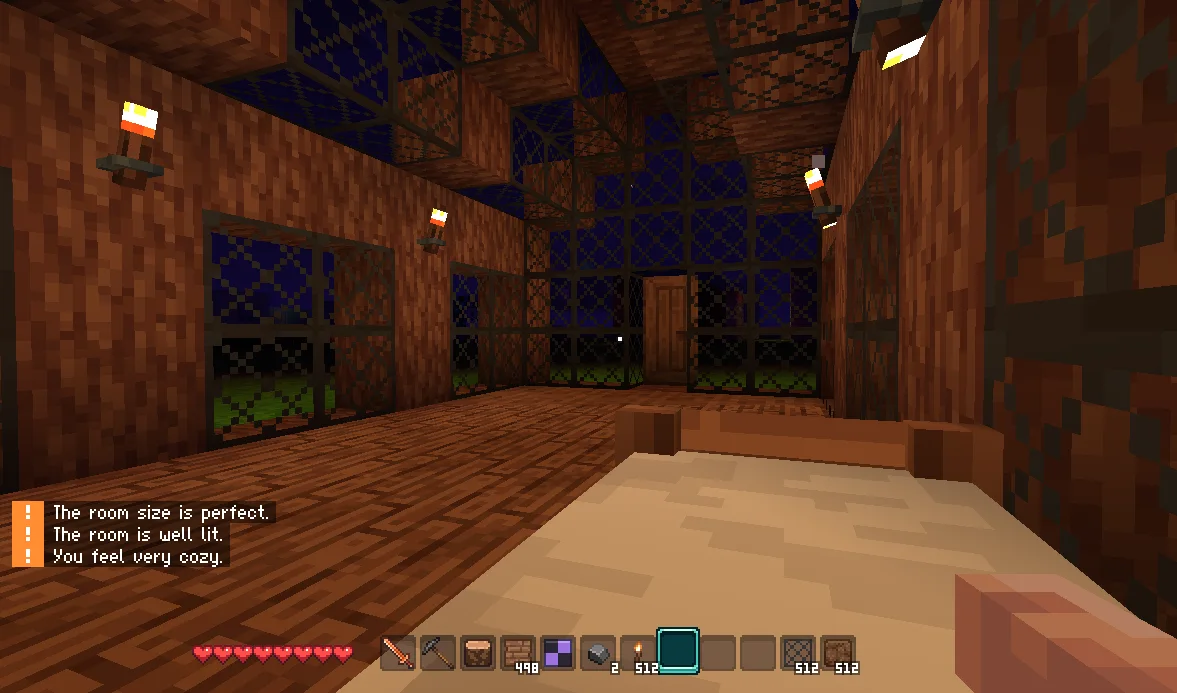
The 0.15 launch notes describe Comfort as a room-validation system. It can check enclosure, light, natural light and the blocks in the room. An NPC Sign designates a room as housing, and NPCs only move in when the room reaches a baseline comfort level.
Use this checklist before blaming the NPC system:
- the room is enclosed;
- it is well lit;
- the NPC Sign is inside the room;
- the room is open to NPCs;
- if you want a specific NPC, satisfy that NPC’s preferences.
A launch-day Steam player hit “This is not an enclosed space” until moving the NPC Sign inside. That is exactly the kind of small placement detail worth checking before rebuilding the whole room.
What each NPC wants
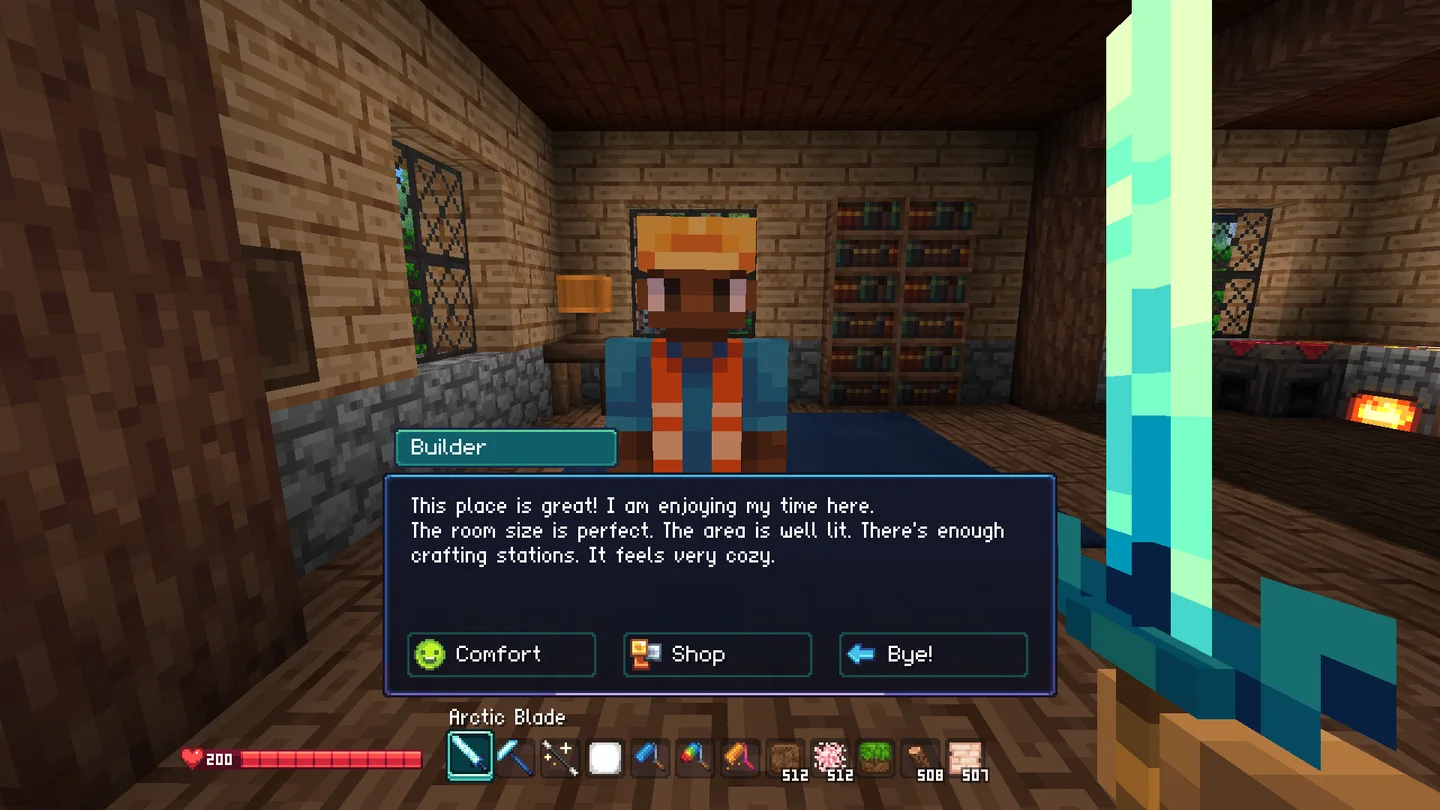
| NPC | Current 0.15 preference | What they sell / why you care |
|---|---|---|
| Builder | Crafting stations in the room | Building materials and tools; the bed |
| Farmer | Greenhouse-style room with lots of direct sunlight | Farming tools, seeds and fishing supplies |
| Merchant | No special machine requirement; wants a well-decorated room | General/basic goods |
| Blacksmith | Exposed lava and furnaces | Electronics and logic items in the current build; developer says this may change |
How to get the bed
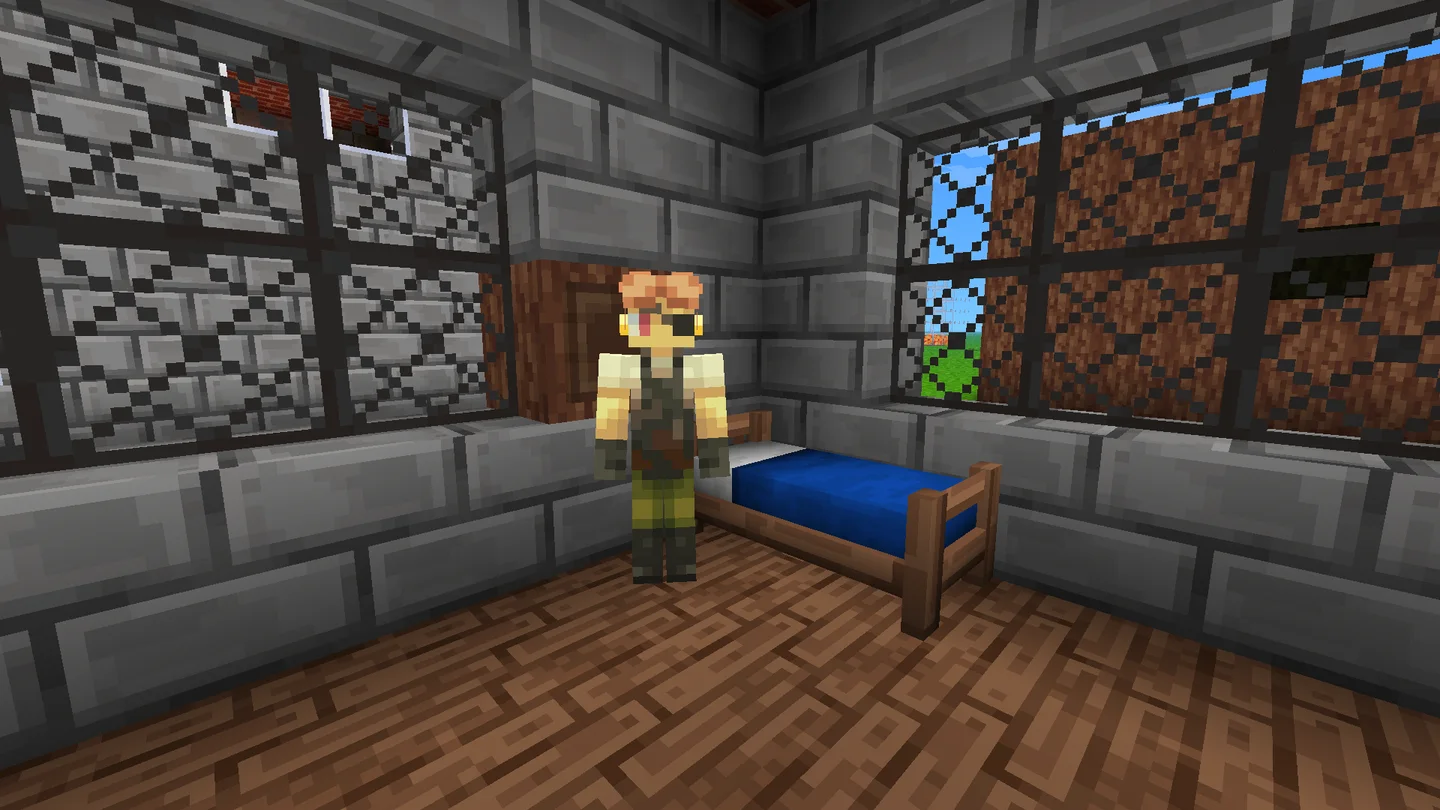
- Make a valid NPC room.
- Let a Builder move in. NPC move-in attempts happen multiple times per in-game day.
- Meet the Builder’s room requirements so the shop is available.
- Buy the bed. Do not waste time looking for a bed recipe.
Current Early Access gameplay independently shows players checking recipes, failing to find a bed, then discovering through the Compendium that the Builder sells it.
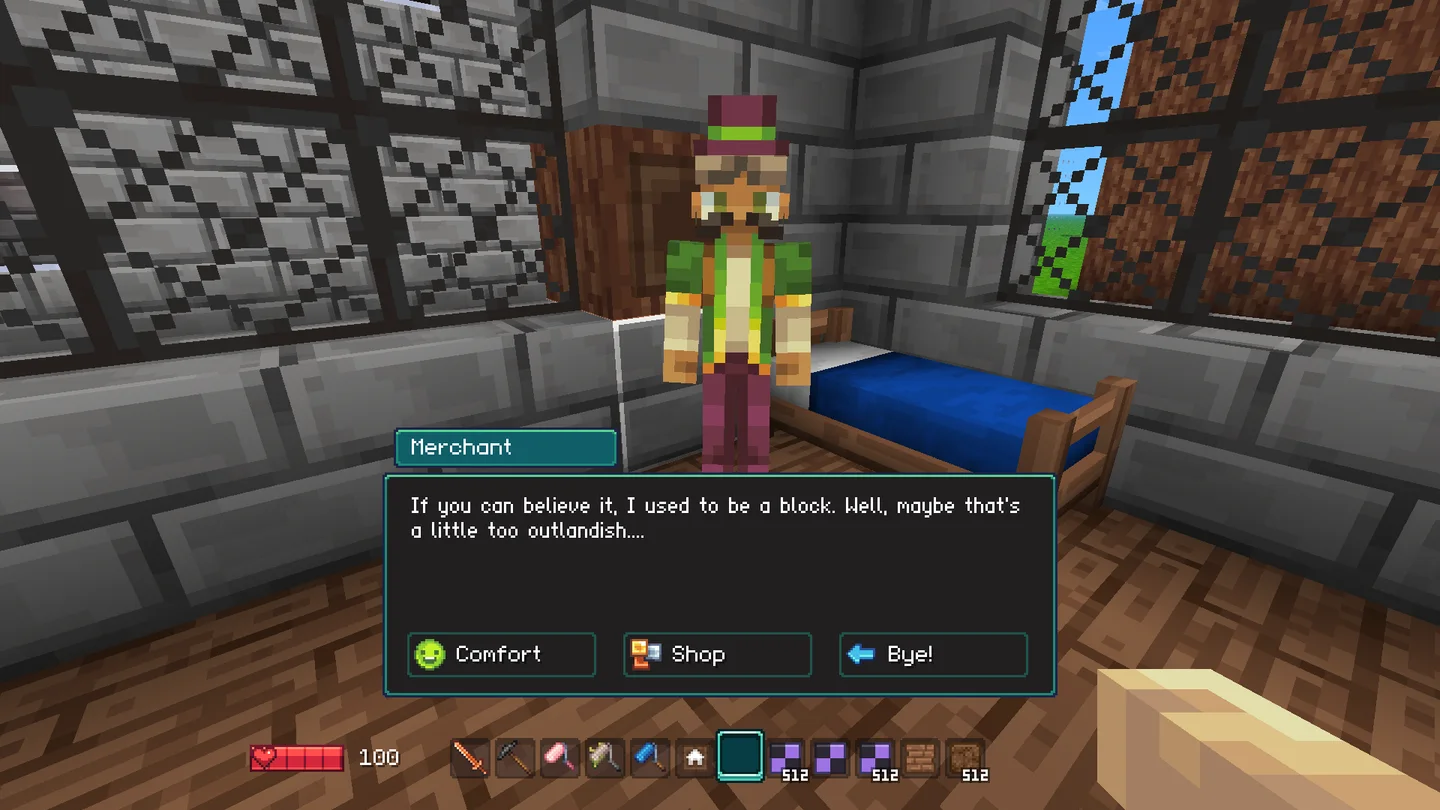
Why the bed may still not work
A bed is not an instant “skip night” button. In 0.15, sleeping requires a comfortable room and higher comfort speeds up time more. If sleeping feels ineffective, re-check room validity and comfort instead of assuming the bed is broken.
Known housing bugs after 0.15.10
The 0.15.1 notes said rooms could fail detection and duplicate NPCs could appear. 0.15.7 lists a world-load NPC-data wipe as fixed and says that should stop duplicate NPCs moving in. 0.15.10 then changed how comfort is measured: the bed is now a comfort passthrough block and the comfort check starts from the bed block itself instead of the block above it, so bedroom layouts that failed the old test can now pass. Update first. If a room still fails visible checks, treat remaining reports as current-build leftovers, not as the 0.15.1 baseline.
Further reading
- Official 0.15 launch notes: https://steamcommunity.com/app/3516590/
- Official 0.15.1 notes: https://steamdb.info/patchnotes/25012535/ supplied for “I Tried Minecraft’s Newest Clone (It’s GOOD)” — bed/Compendium sequence around 20:18–30:22. supplied for “The first voxel game since Minecraft to get me hooked” — Builder/bed sequence around 34:44–46:49.