If a recipe is missing, check the station before searching for a secret unlock
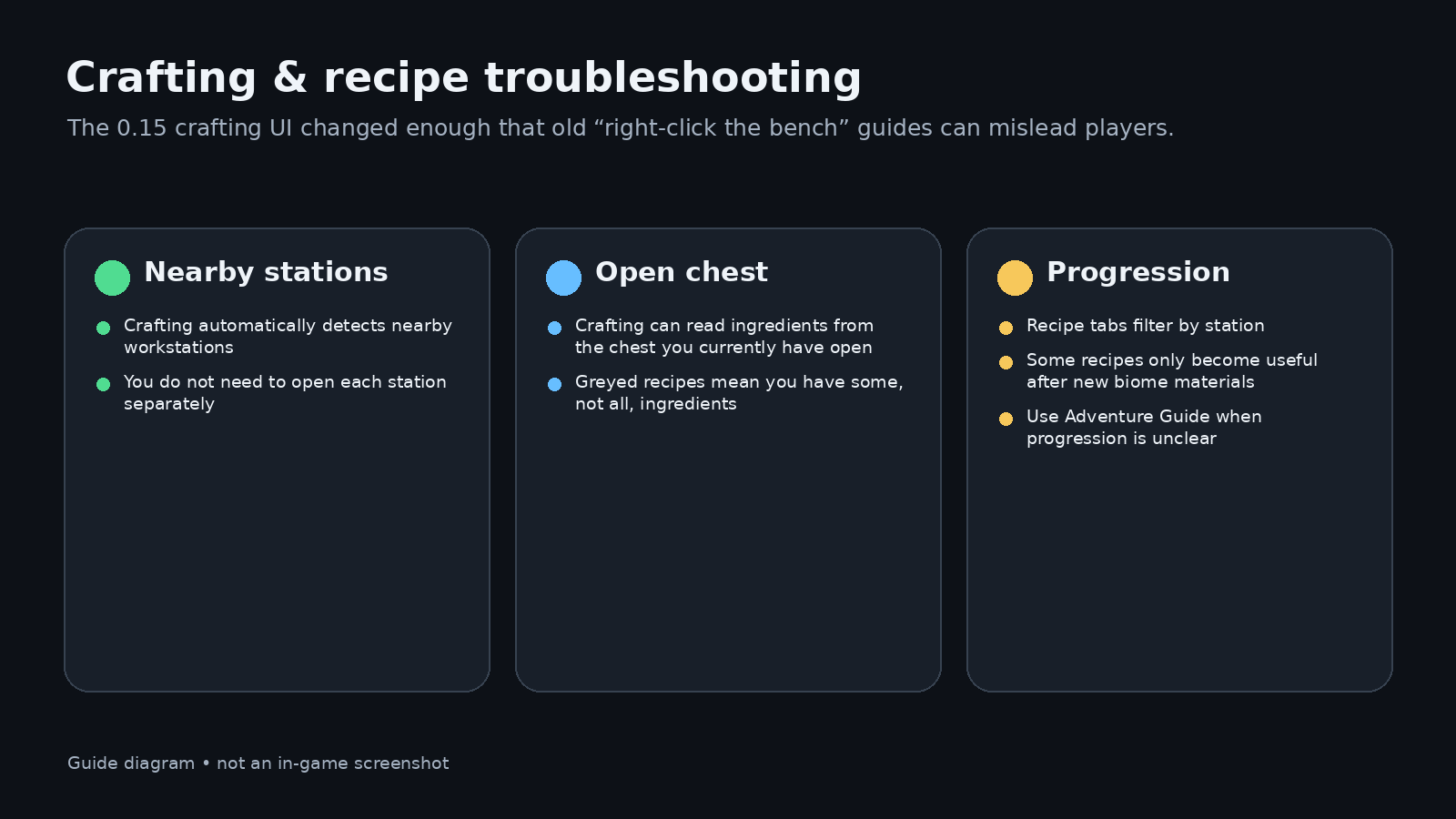
The current UI is proximity-based. You usually do not need to right-click a Workbench or Furnace first. Stand near the station and open crafting. If you have an open chest, crafting can also read ingredients from that chest.
A grey recipe means you have some but not all ingredients. Station tabs make it easier to see which workstation is required.
First-hour crafting chain
The safe early loop is simple: collect Flint and wood, make Planks, place a Workbench, then make basic tools and a Furnace as materials allow. Old Getting Started pages still describe clicking each station directly; that is one of the places where 0.15’s UI differs.
Recipe ingredients cut off or plated stone yield looks wrong?
0.15.13 fixes ingredients being cropped in the expanded crafting menu. Update before treating hidden ingredient text as a missing recipe.
Since 0.15.11, plated-stone recipes yield 4 blocks per ingot instead of 1, with cobalt and palladium variants added. Compare an older guide’s ingredient budget with the current crafting display before spending materials. Official patch notes.
Current recipe facts worth keeping separate
- Bed: not crafted; bought from Builder NPC.
- Frozen Heart: official 0.15 notes say Ice Cap Mushrooms + Cobalt + Heart Beet make it; equipping it grants Freezing immunity.
- Furnace: current gameplay still shows it as a proximity crafting station rather than a fuel-management mini-game.
Use the quantities shown by your installed build; old demo recipes can differ.
Further reading
- Official 0.15 launch notes: https://steamcommunity.com/app/3516590/
- Old Getting Started baseline: https://allumeria.wiki.gg/wiki/Getting_Started s supplied by the user, including current crafting/Compendium footage.